Find and inspect files
Filesystem scans, deep carving and media fragment search. Results depend on drive condition and overwritten data.
JPGPDFDOCXMP4…
 NovaRecovery.
File recovery for Windows
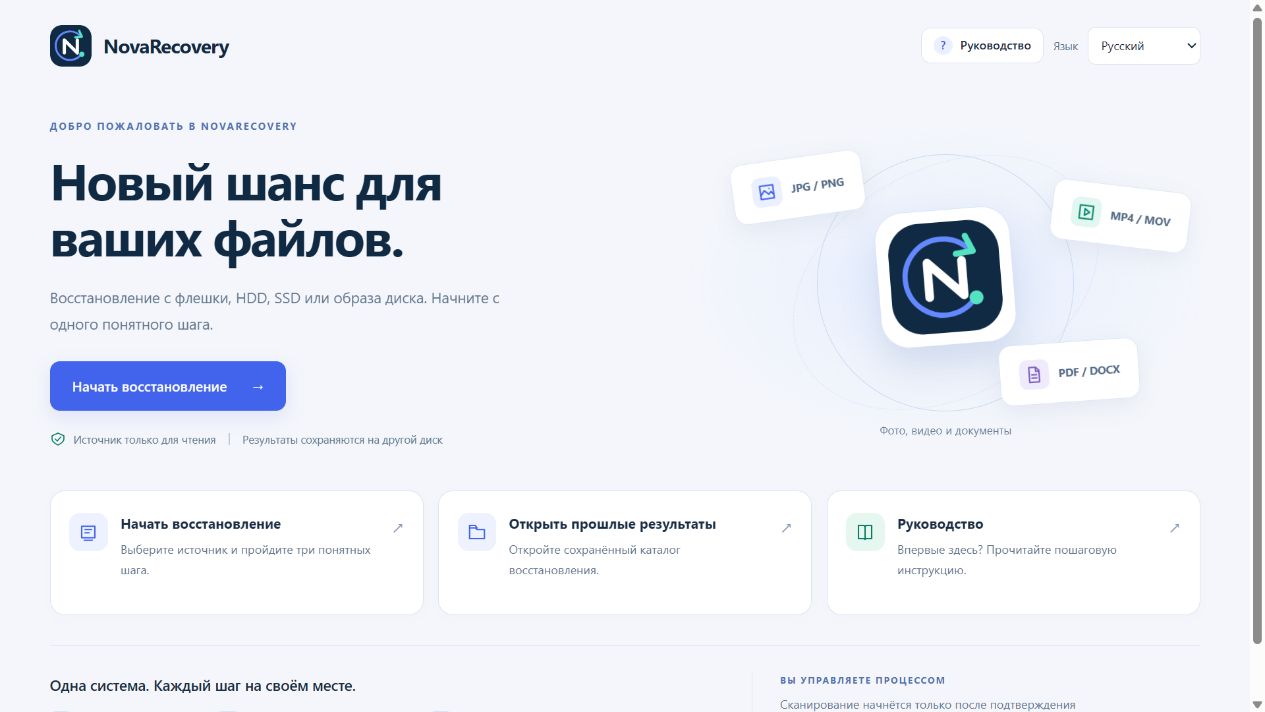
Photos, documents and video. Read your drive, review the files found and save them to another drive.
Local workspace · Windows x64
01 / How it works
New writes may overwrite lost files. Use a separate drive for recovered results.
Choose the drive or disk image to inspect. Prepare another drive for the result.
Choose a scan mode and review file status. A found file is not always usable.
Export the files to another drive and check that they open.
02 / Features
Filesystem scans, deep carving and media fragment search. Results depend on drive condition and overwritten data.
Live and retained Windows records on this computer. Local observation requires a separate choice.
Recovery runs locally. Organization USB audit is a separate opt-in and does not send file names or contents.
NOVARECOVERY / 0.9.9
The actual 0.9.9 interface. DEMO-PC and USB events are synthetic examples, not recovery results.
03 / WINDOWS x64
The pilot is under review. Downloads will open after publisher signing, clean Windows testing and third-party component review.
Public download is not open yetThe final EXE will include its SHA-256 and release notes. The pilot is not labelled as a stable release.
04 / FAQ
There is no guarantee. Overwrites, SSD TRIM, encryption and physical damage affect results. Finding a file does not mean it will open correctly.
Local recovery and local USB history do not require internet access. Optional organization audit uses the network.
No. Local history uses records retained on this Windows installation and observations made by the app. Windows history is not definitive proof of a physical connection.
No. Recovery works independently of audit. You can stop local observation and clear its history. Organization audit is controlled separately.
Writing to the source can overwrite files that have not been recovered. Keep the source and destination on different drives.
The best first step: stop writing to the source.
See the steps ↑